
Privacy
Shield tokens for zero-knowledge privacy protection.
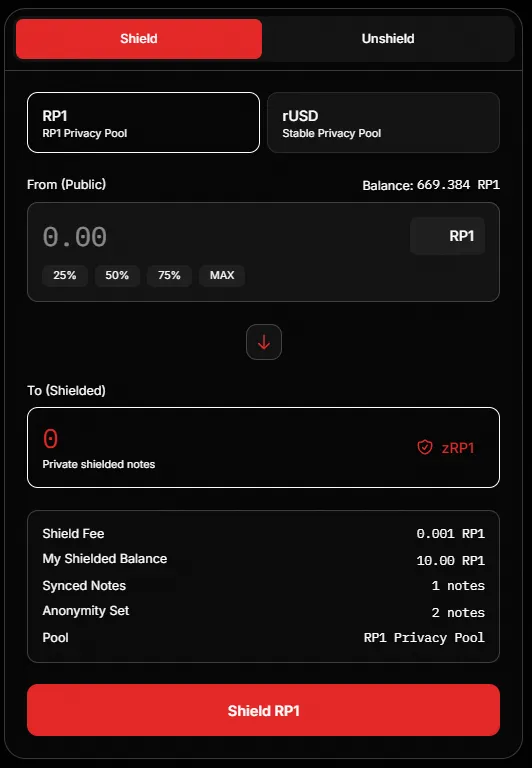
How Privacy Works
Section titled “How Privacy Works”- Shield: Move transparent tokens into private pool
- Sync: Wallet decrypts notes locally using viewing key
- Spend Later: Unshield or transfer privately (when enabled)
Shielding Tokens
Section titled “Shielding Tokens”- Select asset: RP1 or rUSD
- Enter amount to shield
- Review Shield Fee (deducted from amount)
- Click “Shield [asset]”
- Confirm transaction
Unshielding Tokens
Section titled “Unshielding Tokens”- Switch to “Unshield” tab
- Enter amount to unshield
- Click “Unshield [asset]”
- Confirm transaction
Privacy Stats
Section titled “Privacy Stats”| Stat | Description |
|---|---|
| Pool Total | Total tokens in privacy pool |
| Anonymity Set | Number of notes in pool |
| Proof System | Groth16 (zk-SNARK) |
| Pool Health | Privacy level indicator |
| My Notes | Your shielded notes count |