
Wallet
The main dashboard showing your portfolio, assets, and transaction history.
Portfolio Overview
Section titled “Portfolio Overview”Location: Top of /wallet page
| Element | Description |
|---|---|
| Total Portfolio Value | Sum of all assets valued in USD |
| Performance Change | 24h/7d/30d/all time change with percentage |
| Portfolio Chart | Historical value chart with timeframe selector |
Quick Stats Cards
Section titled “Quick Stats Cards”
| Card | Description |
|---|---|
| Available | Liquid RP1 balance |
| Staked | RP1 delegated to validators |
| Shielded | RP1 in privacy pools |
| Rewards | Claimable staking rewards |
Actions
Section titled “Actions”Receive Tokens
Section titled “Receive Tokens”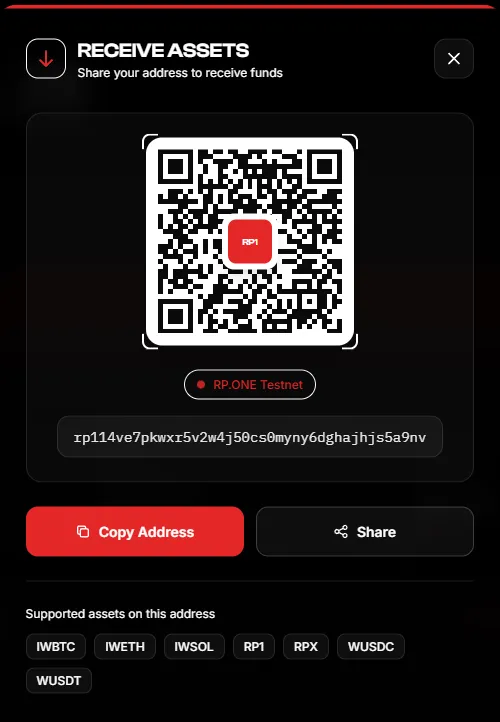
- Click “Receive” button
- View your wallet address and QR code
- Copy address or share via native share sheet
- Sender transfers tokens to this address
Send Tokens
Section titled “Send Tokens”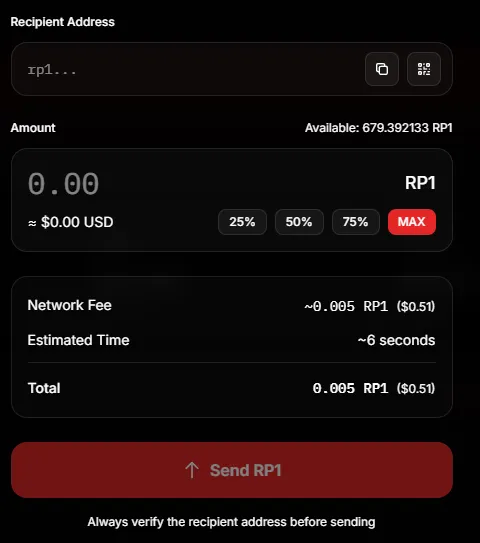
- Click “Send” button
- Select asset from dropdown (e.g., RP1, rUSD)
- Enter recipient address (must start with
rp1...) - Enter amount
- Click “Send”
- Confirm transaction
Asset Actions
Section titled “Asset Actions”Refresh Assets
Section titled “Refresh Assets”
- Click “Refresh Assets” button
- System fetches latest balances, delegations, and privacy stats from chain
Assets Tab
Section titled “Assets Tab”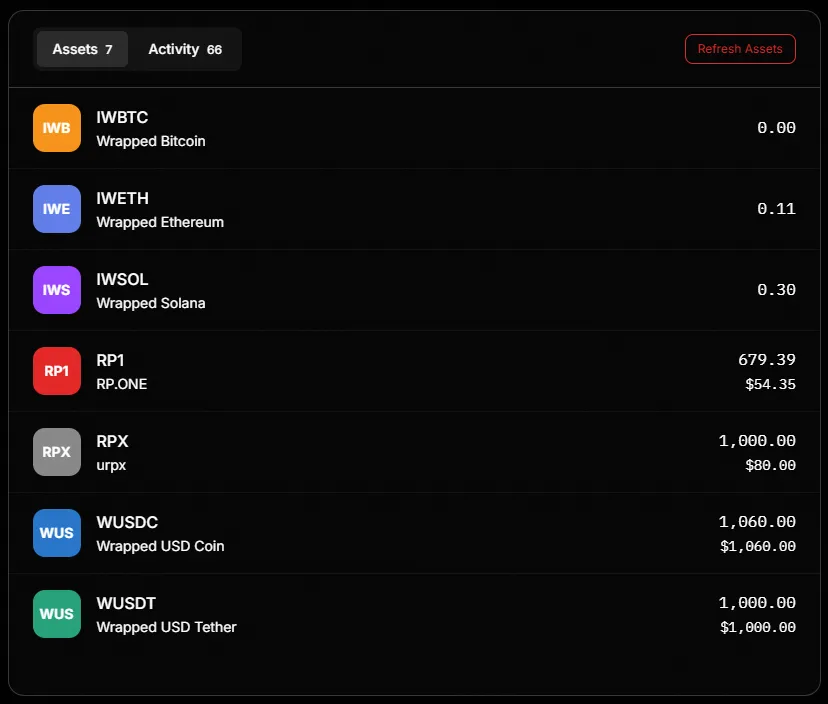
Shows all tokens in your wallet with:
- Symbol and name
- Balance
- USD value
Activity Tab
Section titled “Activity Tab”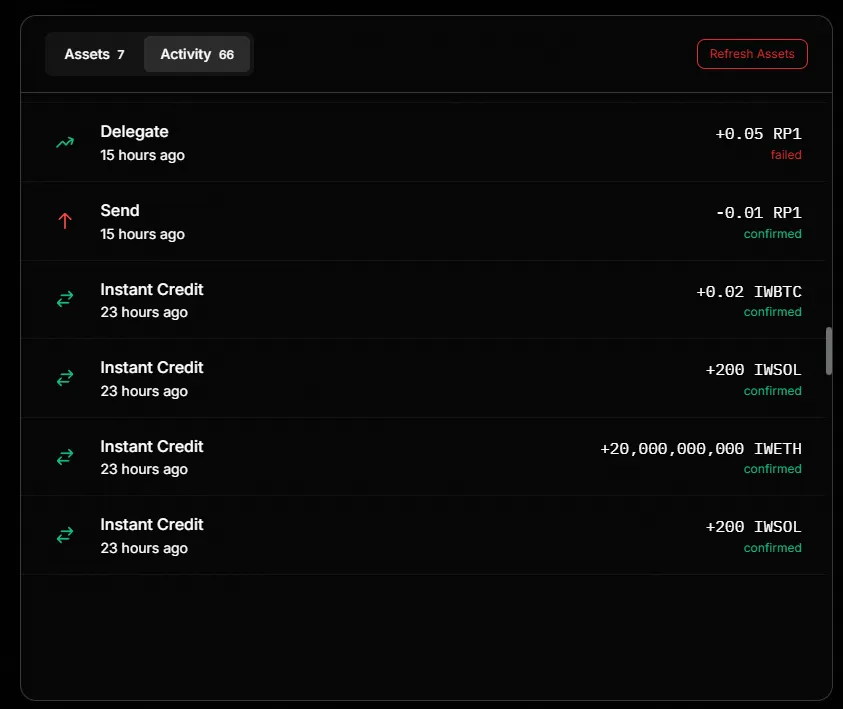
Shows transaction history with:
- Transaction type (Send, Receive, Shield, Swap, Delegate, etc.)
- Amount and token
- Timestamp
- Status (success/failed)